
The complete guide
How to Choose a Typewriter Style Gaming Keyboard
The problem with most keyboards
Most keyboards are forgettable. They come free in a box with a computer, they are flat and quiet, and the keys mush down into nothing. You type on one for years without ever thinking about it, and then one day you notice your fingers are tired, your typos are up, and the thing has no character at all.
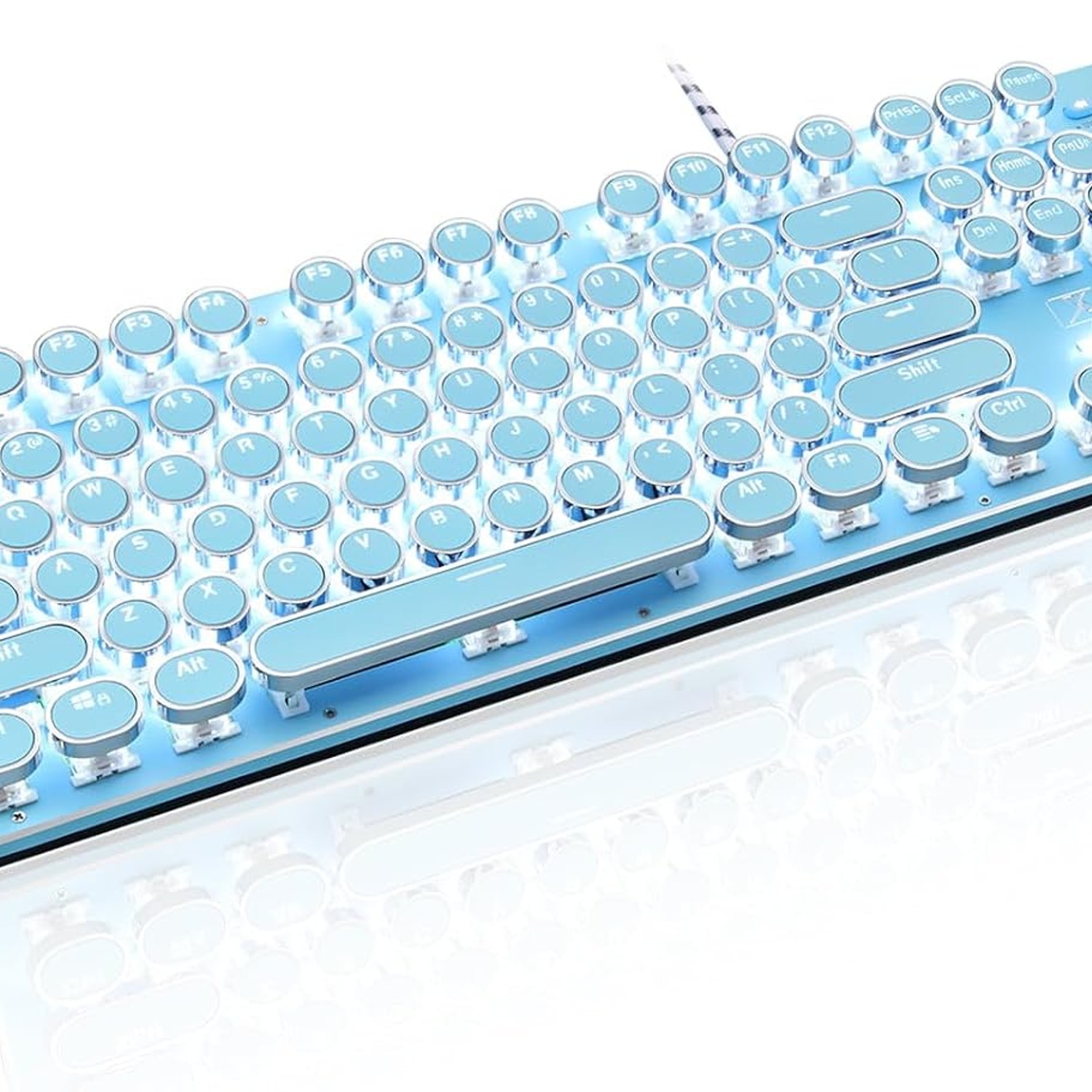
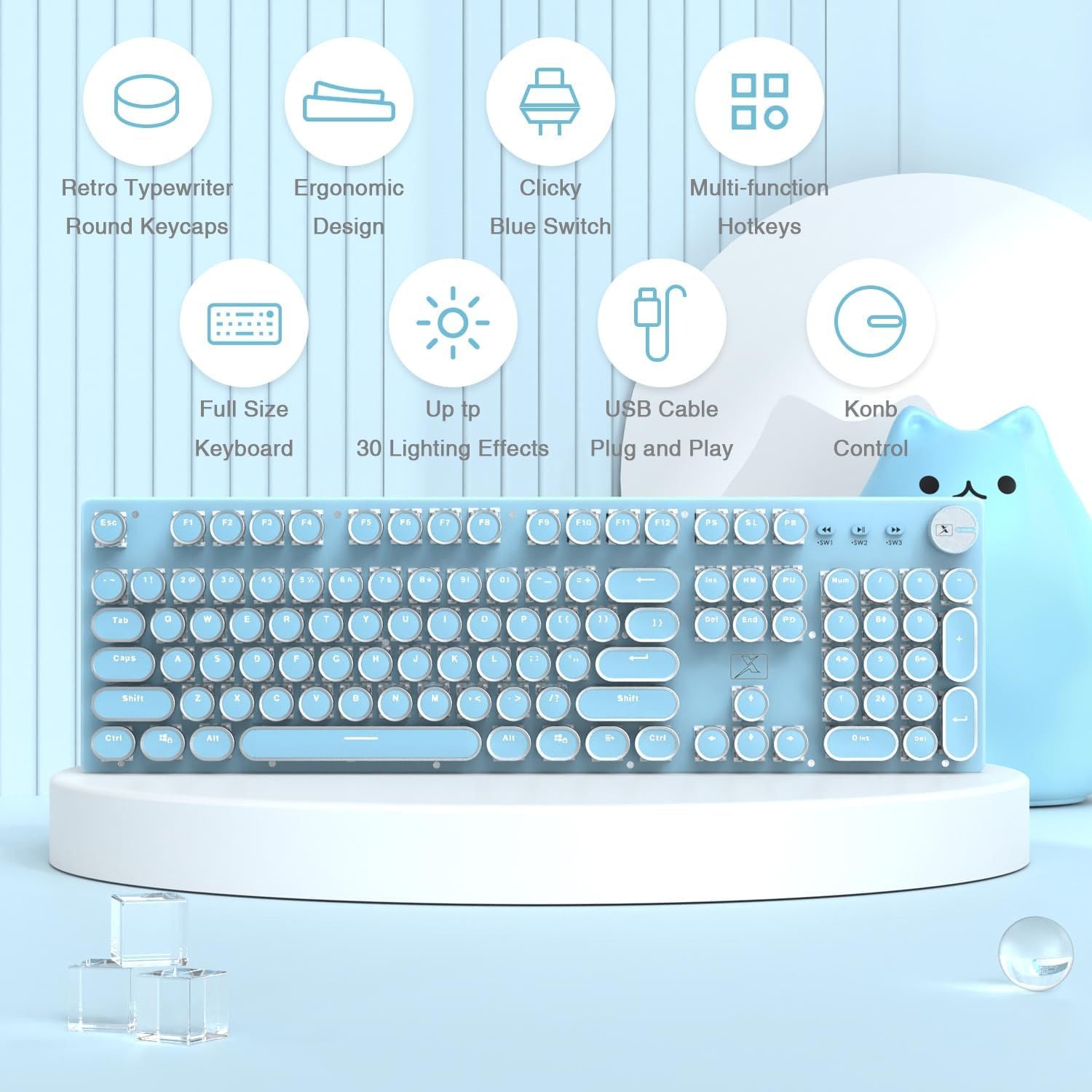
A typewriter style gaming keyboard fixes both halves of that complaint at once. The round keycaps and aluminium alloy top panel look like something lifted off a desk from a century ago. Underneath, it is a current mechanical keyboard with clicky blue mechanical switches, white LED backlighting and a media knob. You get the look without giving up anything a modern computer needs.
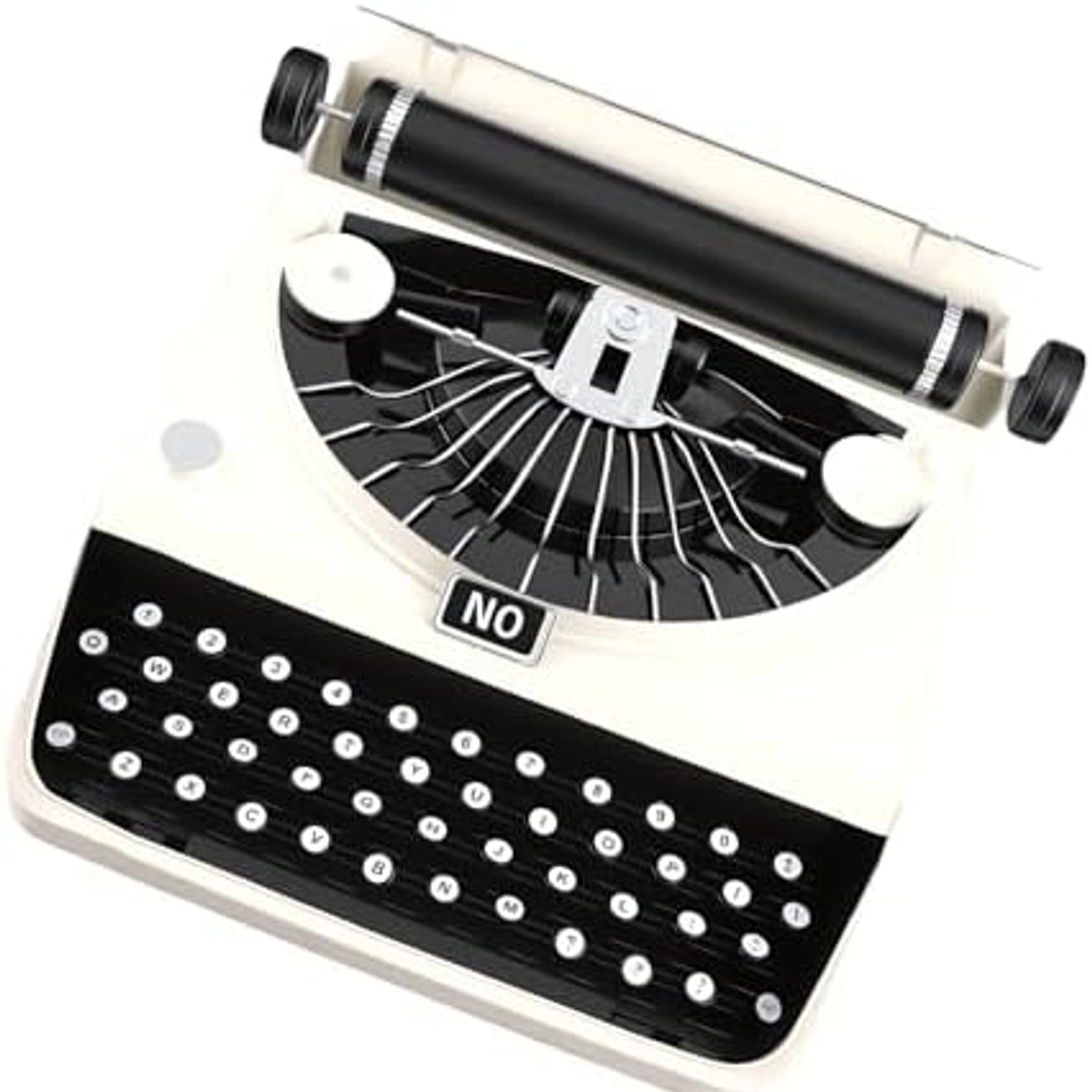
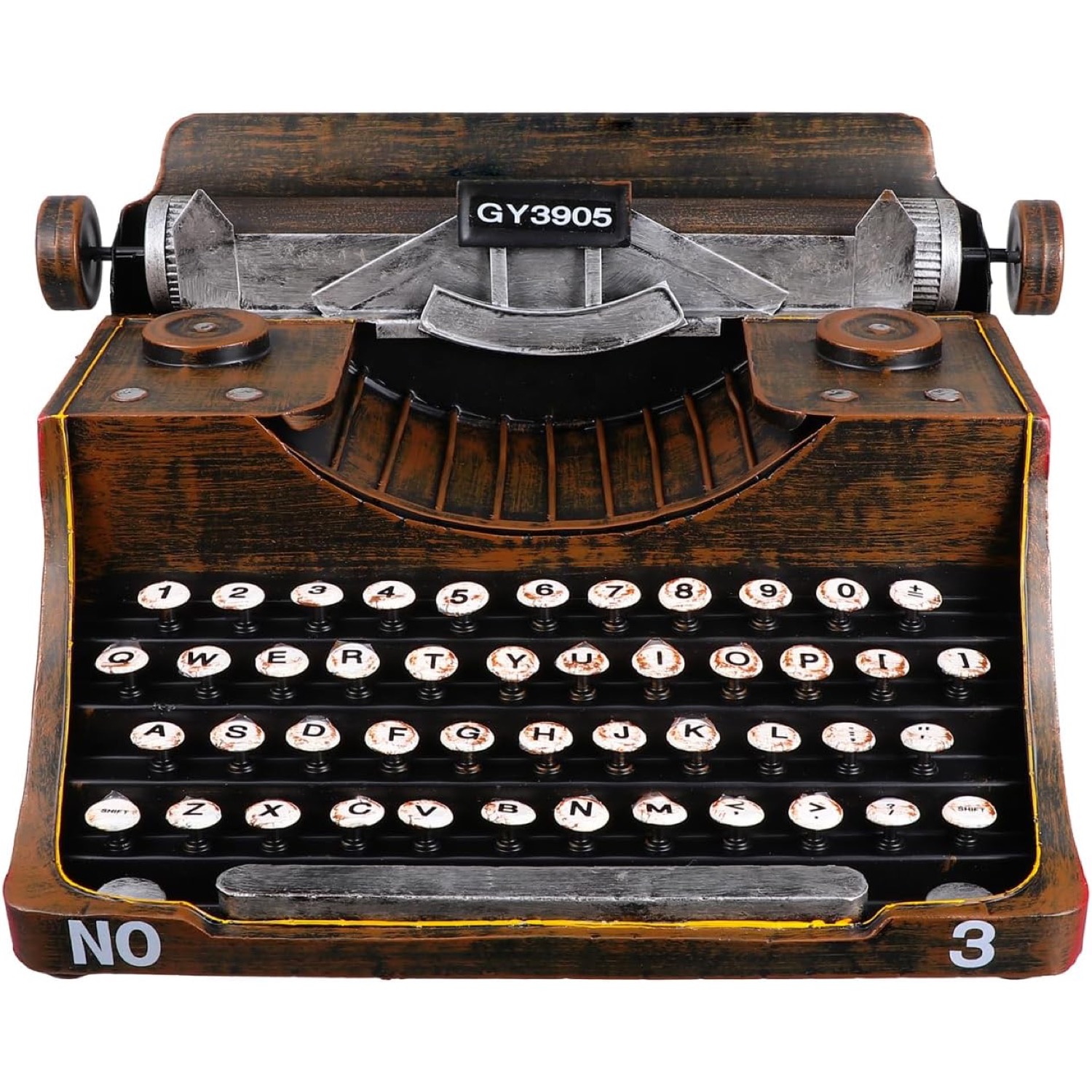
One thing to be clear about from the start. This is not a typewriter. It does not take paper, ink or ribbon. It is a computer keyboard that borrows its styling from a typewriter, and it plugs into a USB port like any other keyboard.
How a mechanical keyboard actually works
The difference between a mechanical keyboard and a cheap membrane one is what sits under each key. A membrane board has a single rubber sheet with domes. Press a key, the dome squashes, a contact closes. It works, but every key feels the same and the feel goes soft as the rubber ages.
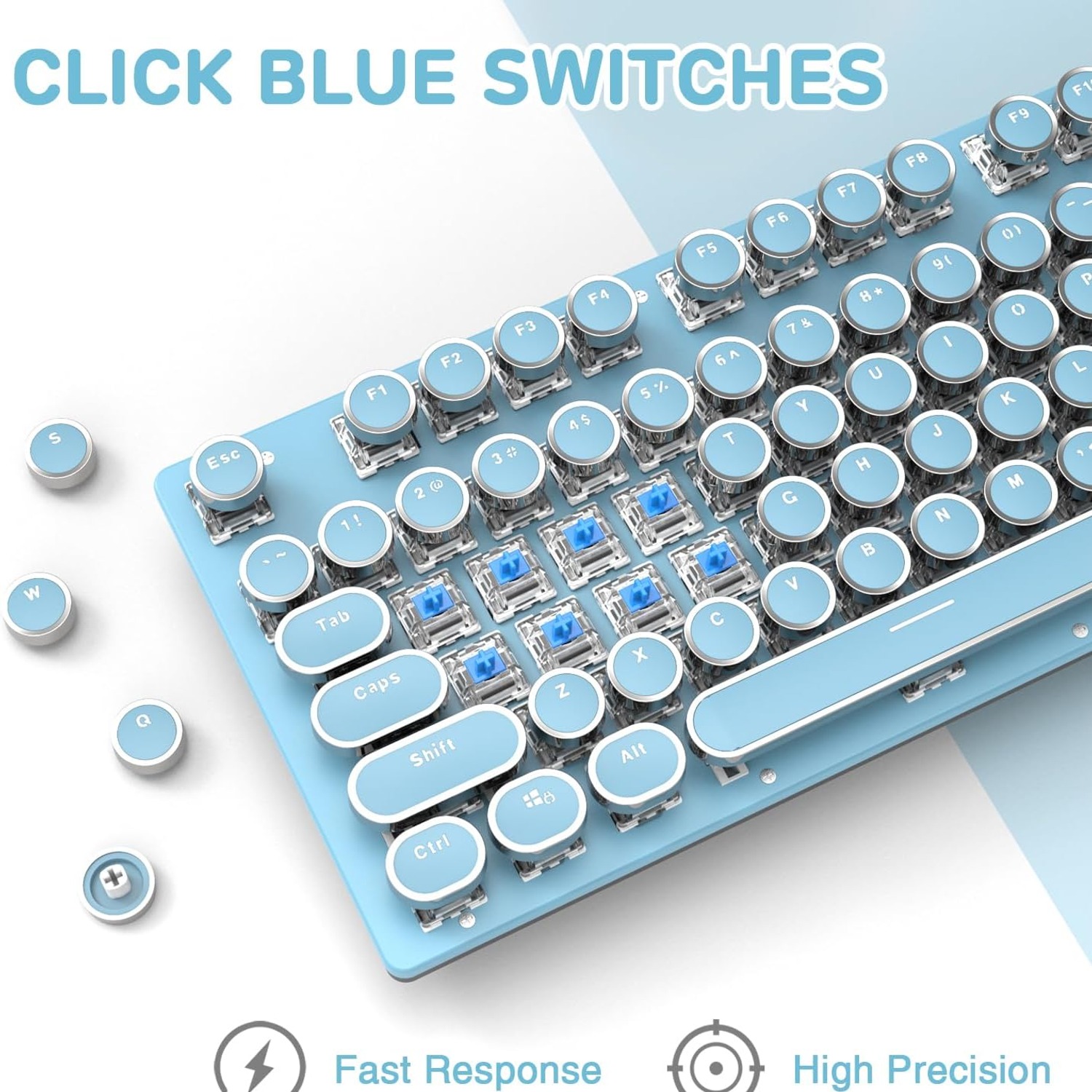
A mechanical keyboard gives every key its own switch, with a spring and moving parts. That means a consistent feel across the whole board. It also means you get to pick the character of the press.
A blue switch is the clicky one. Push down and you feel a clear bump partway through, and you hear a sharp click at the same moment. That bump tells your finger the keystroke has registered, so you can lift off early instead of hammering each key to the bottom. People who type all day often come to prefer it once they adjust. People who game like it for the same reason, because they know instantly whether an input went through.
The trade-off is noise. Blue switches are the loudest common type. If you work in a shared office or take a lot of calls with an open microphone nearby, that is worth thinking about. If you work alone, or you simply like the sound, it is a satisfying thing to type on.
Why full size and anti-ghosting matter
This board has 104 keys, which is the full standard layout. Function row, arrow cluster, navigation block, and a complete number pad on the right. Compact keyboards look tidy but they bury half those keys behind a function layer, and you spend the first month relearning shortcuts. If you deal with numbers, spreadsheets or accounting software, the full number pad alone justifies the extra desk width.
Anti-ghosting is the less obvious feature, and it matters more than the name suggests. On a cheap keyboard, holding three or four keys at once can cause the board to drop a press or register one you never made. On this one, all 104 keys are non-conflicting, so simultaneous keystrokes land correctly. In a game that means your movement, your sprint and your action all fire together. In everyday use it means long shortcut combinations work first time.
The backlight and the knob
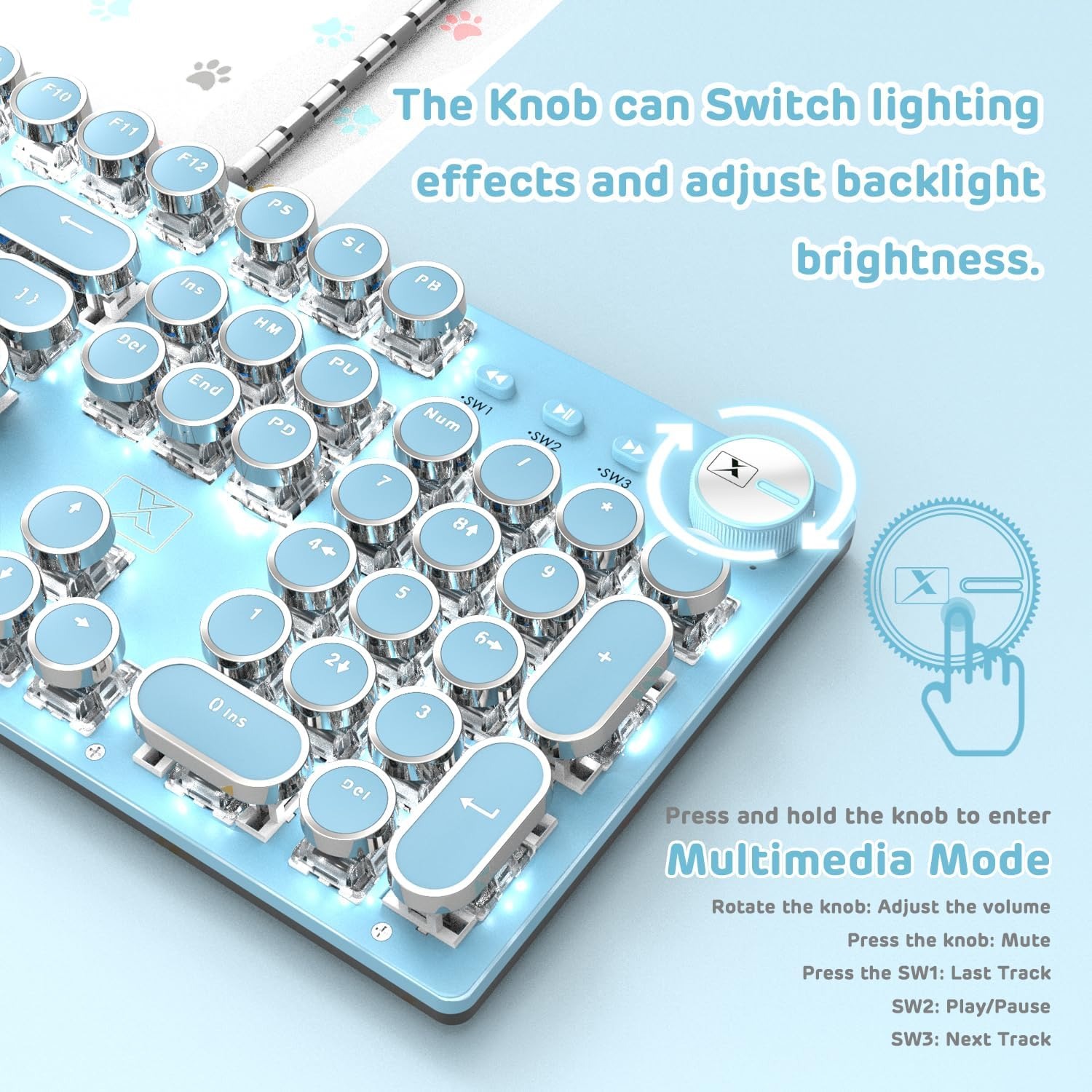
White LED backlighting runs under the keys. In a dim room it keeps the legends readable, and on a retro-styled board the glow around round keycaps looks rather good on camera too. The lighting is single colour, so this is not an RGB rainbow board. If you want a calmer desk, that is a plus.
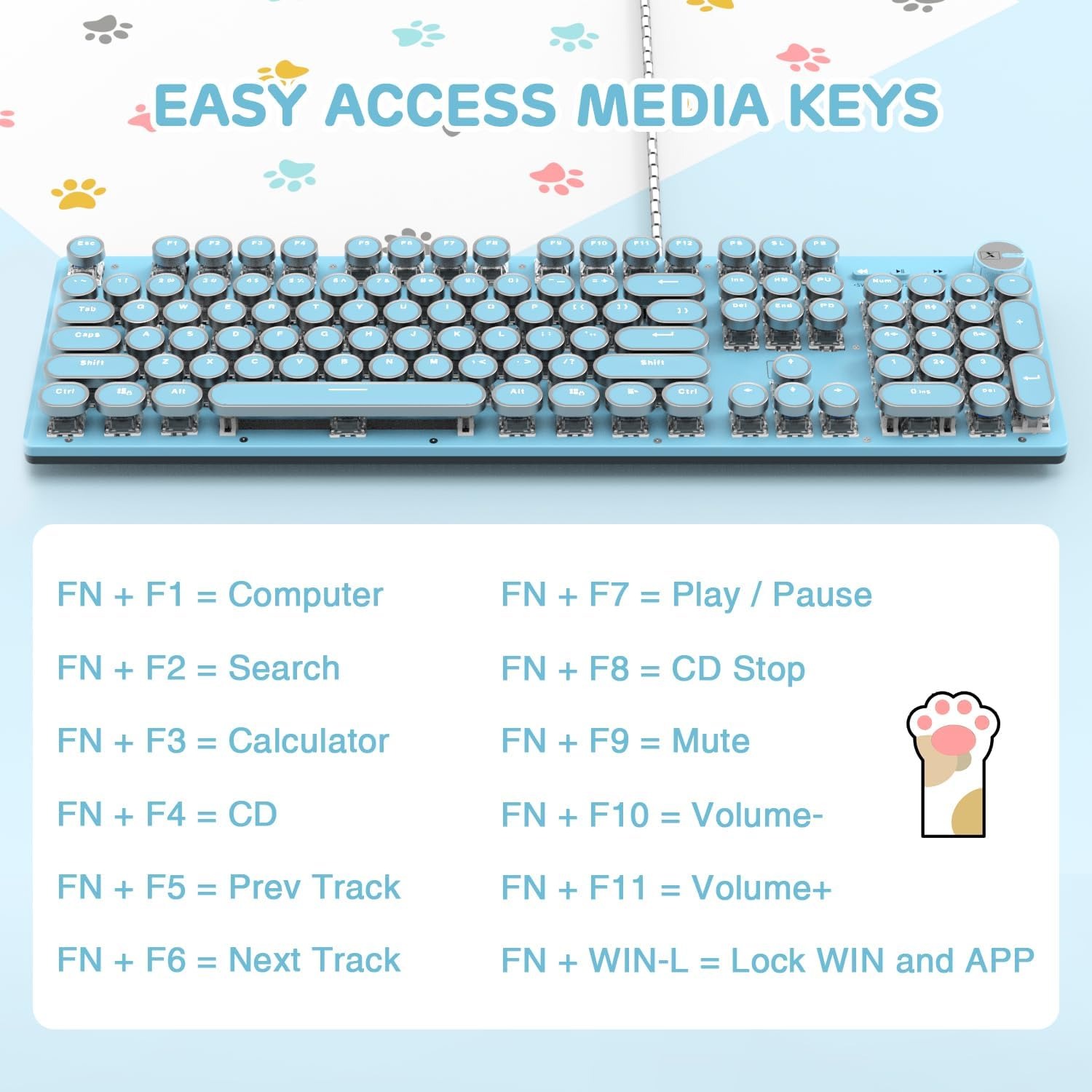
The knob is the clever bit. In media mode it controls volume and handles play, pause and track skipping. Hold it down for about three seconds and it switches to light mode, where turning it cycles through 30 lighting effects or adjusts brightness and speed. Having a physical dial for volume is one of those small things you miss once you have had it.
Who it suits
Writers and students get the most obvious benefit. Long sessions on a clicky board feel more engaging than tapping on a flat laptop keyboard, and the feedback helps keep a rhythm. If you write fiction, journals or long reports, a retro mechanical keyboard for typing can genuinely change how the work feels.
Gamers are the other core group. Full anti-ghosting and a wired USB connection cover the practical needs, and the styling stands out from the usual black plastic and neon.
It also lands well as a gift. For someone building a steampunk desk setup or anyone who has always admired old typewriters but needs a working computer keyboard, this hits a sweet spot. It arrives ready to use with no app to install.
Who should skip it? Anyone who needs silence, and anyone who wants a wireless keyboard for a tidy desk, because this one is corded. Desk depth matters too, since a full-size board needs the room.
How to choose
Start with noise. Decide honestly whether a clicky keyboard fits your room and the people in it. Blue switches are loud by design, and no amount of hoping changes that.
Next, check your ports. The keyboard needs one free USB port and no software, which makes it simple on a desktop. On a laptop with only one or two ports, you may want a hub.
Then think about layout. Full size is the most capable option, but measure your desk if space is tight, especially if you use a large mouse mat and sweep your arm when gaming.
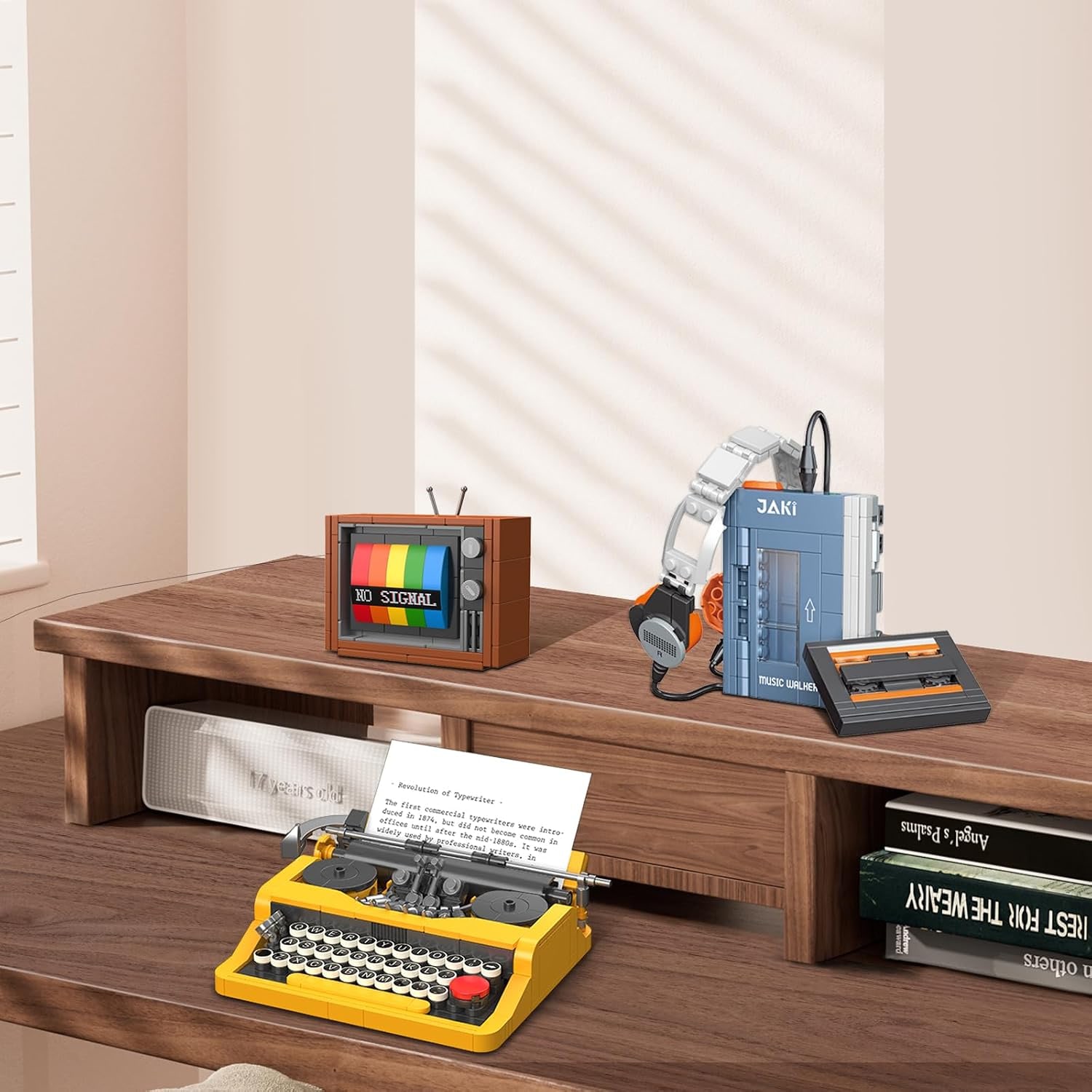
Finally, think about how you want the desk to look. A white backlit retro keyboard sits comfortably with wood, leather and warm lighting. If your setup is all RGB and glass, the single colour backlight will read as deliberately understated.
Getting set up
Plug it in. That really is the whole process. There is no driver and no companion app, so the board is recognised as a standard USB keyboard and starts working on Windows, Linux or Mac OS.
Once it is running, flip out the two rear feet if you like a raised typing angle, or leave them folded for a flatter position. Spend a few minutes with the knob to find a lighting effect you actually want to look at every day, then set the brightness so it is readable but not glaring.
Give yourself a week to adjust. Coming from a flat membrane board, your fingers will bottom out on every key at first. Once you learn to stop at the click, typing gets lighter and quieter, and the keyboard starts doing more of the work.
Looking after it
Keyboards collect crumbs. That is just how it goes. Unplug the board, turn it over and tap gently, then use compressed air or a soft brush to clear whatever is left between the keys. A soft cloth, dry or barely damp, handles the aluminium panel and the keycaps.
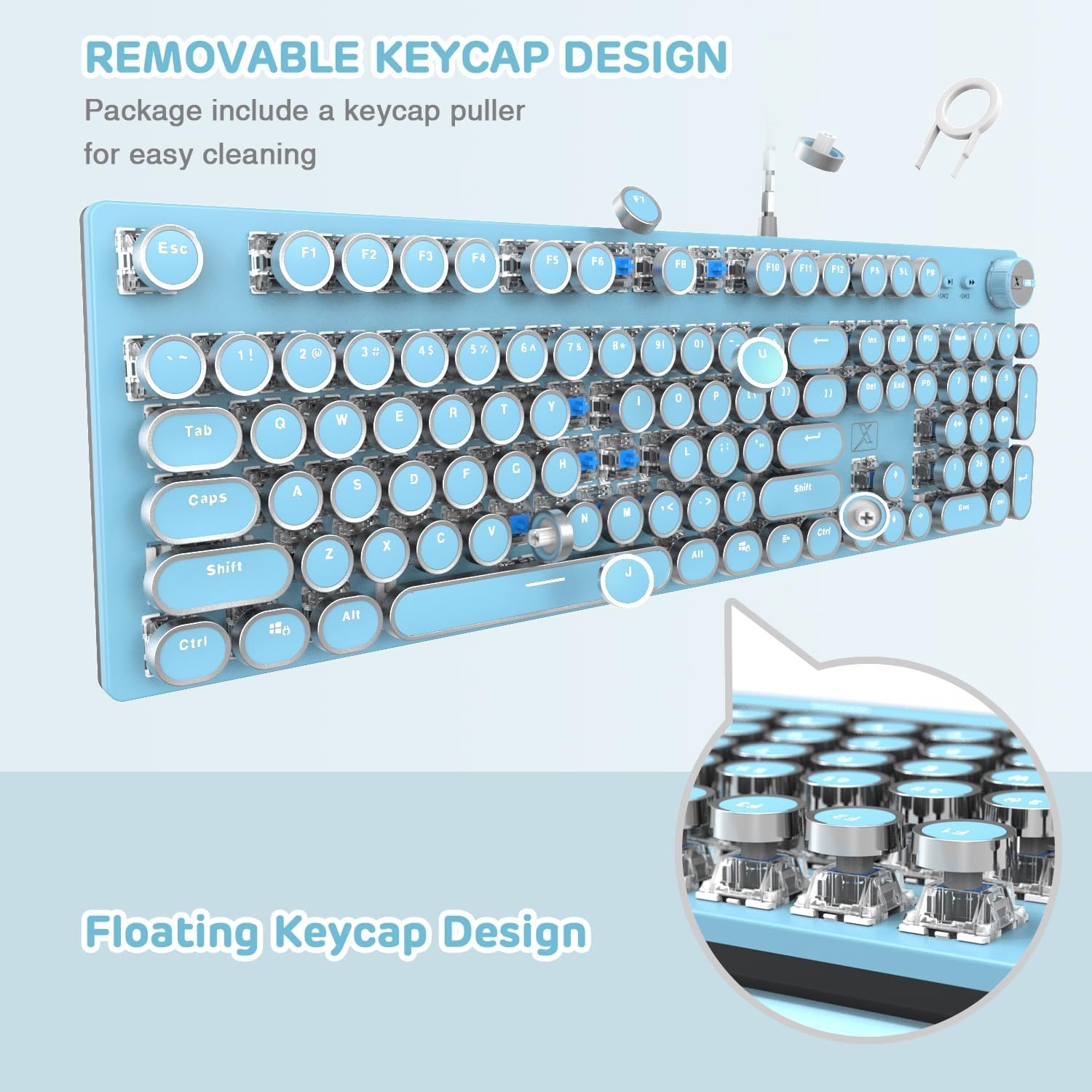
For a deeper clean, the included keycap puller lifts the round caps off so you can get underneath. Pull them a few at a time rather than stripping the whole board, and photograph the layout first if you are not confident about putting them back. Let any washed keycaps dry completely before refitting them.
Keep drinks away from it. Mechanical switches handle dust and crumbs far better than liquid, and a spill is the one thing that tends to end a keyboard early.
The short version
This is a full-size, wired mechanical keyboard with clicky blue mechanical switches, 104 anti-ghosting keys, white LED backlighting with 30 effects, an aluminium alloy top panel and a multimedia control knob. It weighs 0.86 kg, needs no batteries, no drivers and no software, and works with Windows, Linux and Mac OS.
It is loud, it is corded, and it takes up a full desk width. In exchange you get a clicky, responsive typing feel and a keyboard that looks like nothing else on the desk. If the sound appeals rather than worries you, it is an easy recommendation.