
The complete guide
Typewriter Style Keyboards, A Practical Buyer's Guide
The problem with a desk that feels like nothing
Most computer keyboards are designed to disappear. Flat grey or flat black, low keys, no personality at all. That is fine if you only touch the thing for twenty minutes a day. If you sit at it for hours, writing emails, essays, chapters or spreadsheets, a dull desk starts to feel like part of the work.
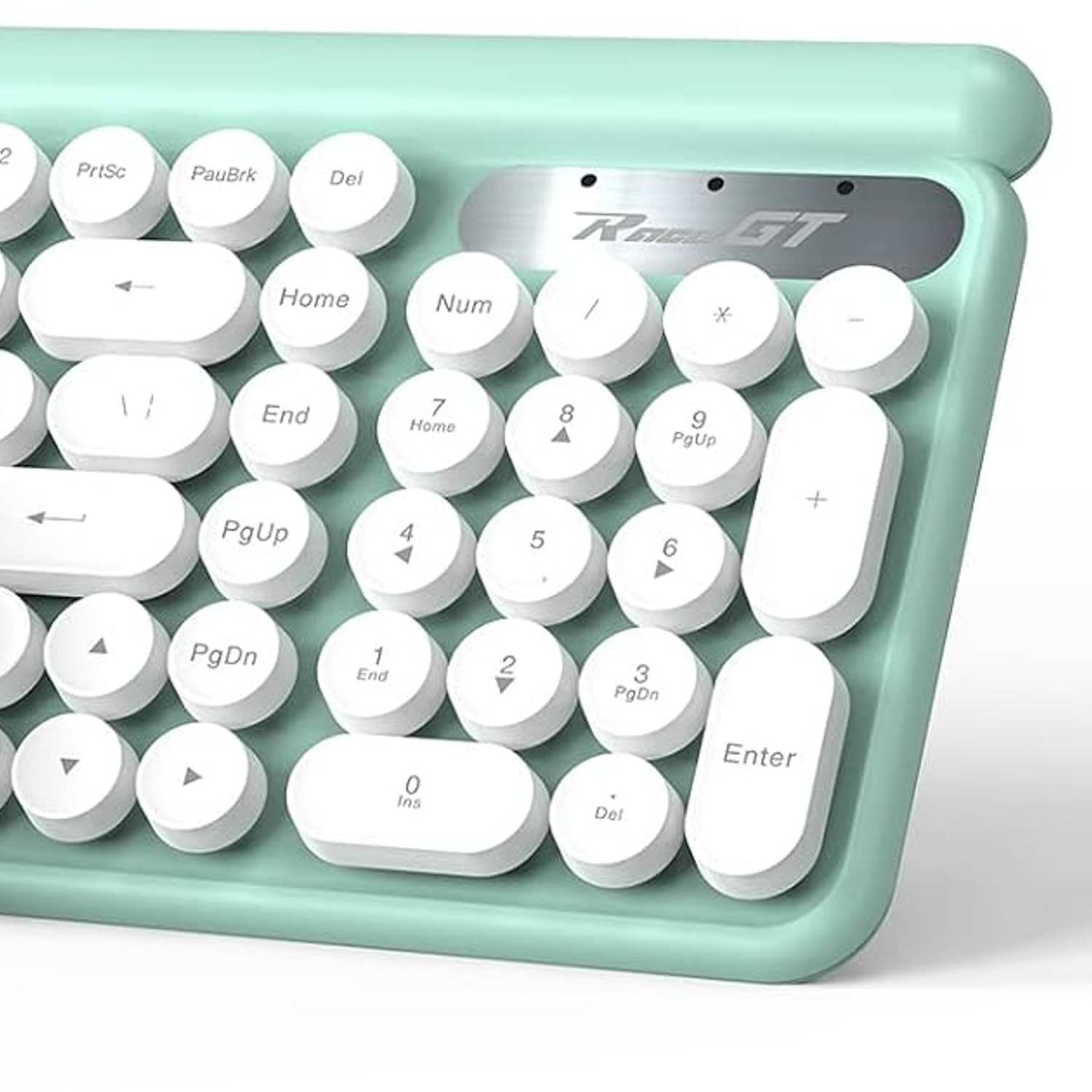
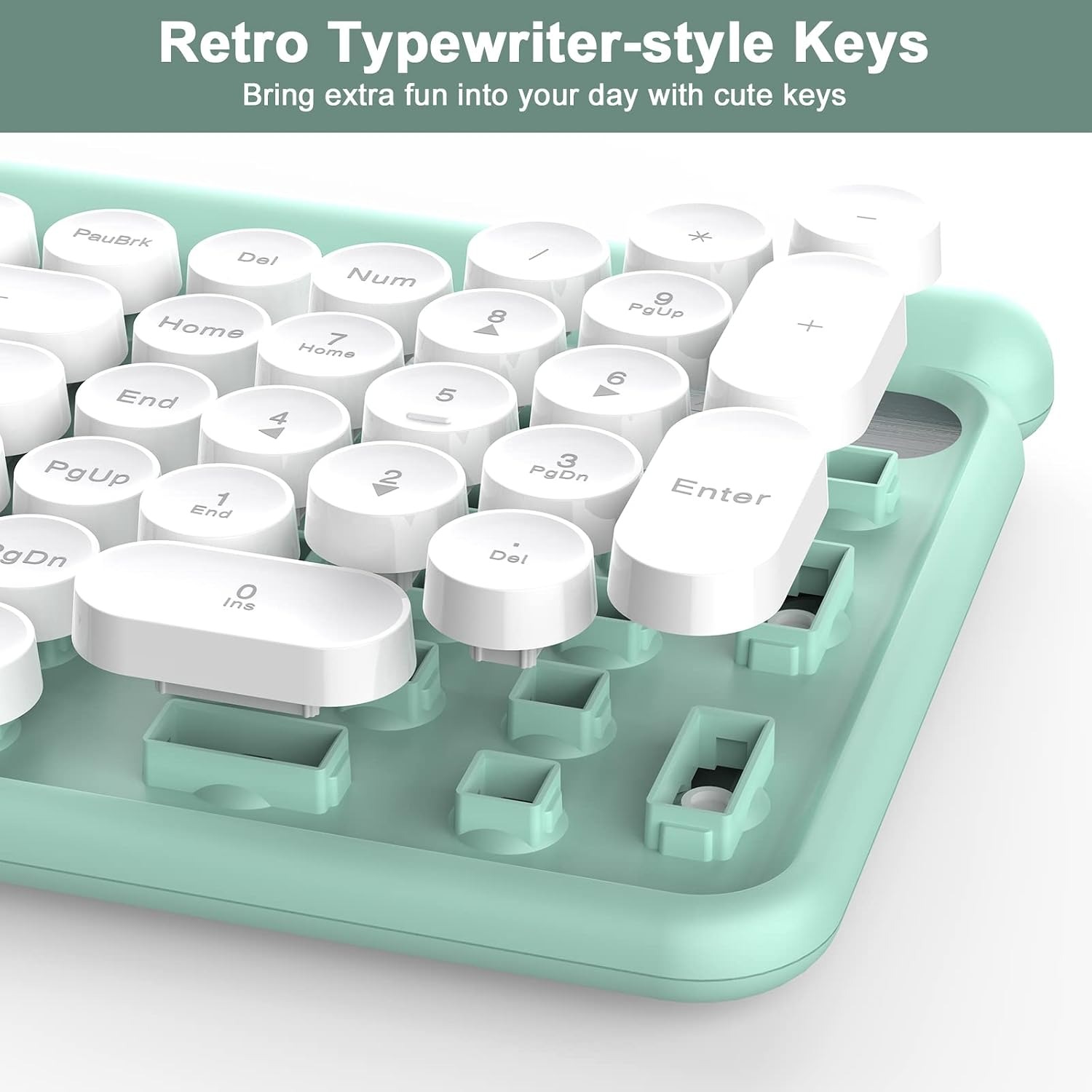
People buy a typewriter style keyboard for a simple reason. It makes sitting down to type feel like an occasion instead of a chore. The round keycaps, the colour, the shape of the deck, all of it changes the mood of the desk without changing how you actually work. The letters are still in the same places and the number pad is still on the right. Your shortcuts still work.
That is the honest pitch for this set. It is a cosmetic change with a few practical upgrades bundled in, and it costs a lot less than hunting down an actual antique machine that cannot talk to your computer at all.
What this product actually is
Let us be clear, because the name causes confusion. This is a modern wireless keyboard and mouse. It is styled to look like an old typewriter, with round keys and a retro shape. It is not a typewriter. There is no ribbon, no platen, no paper. It types into whatever program is open on your screen.
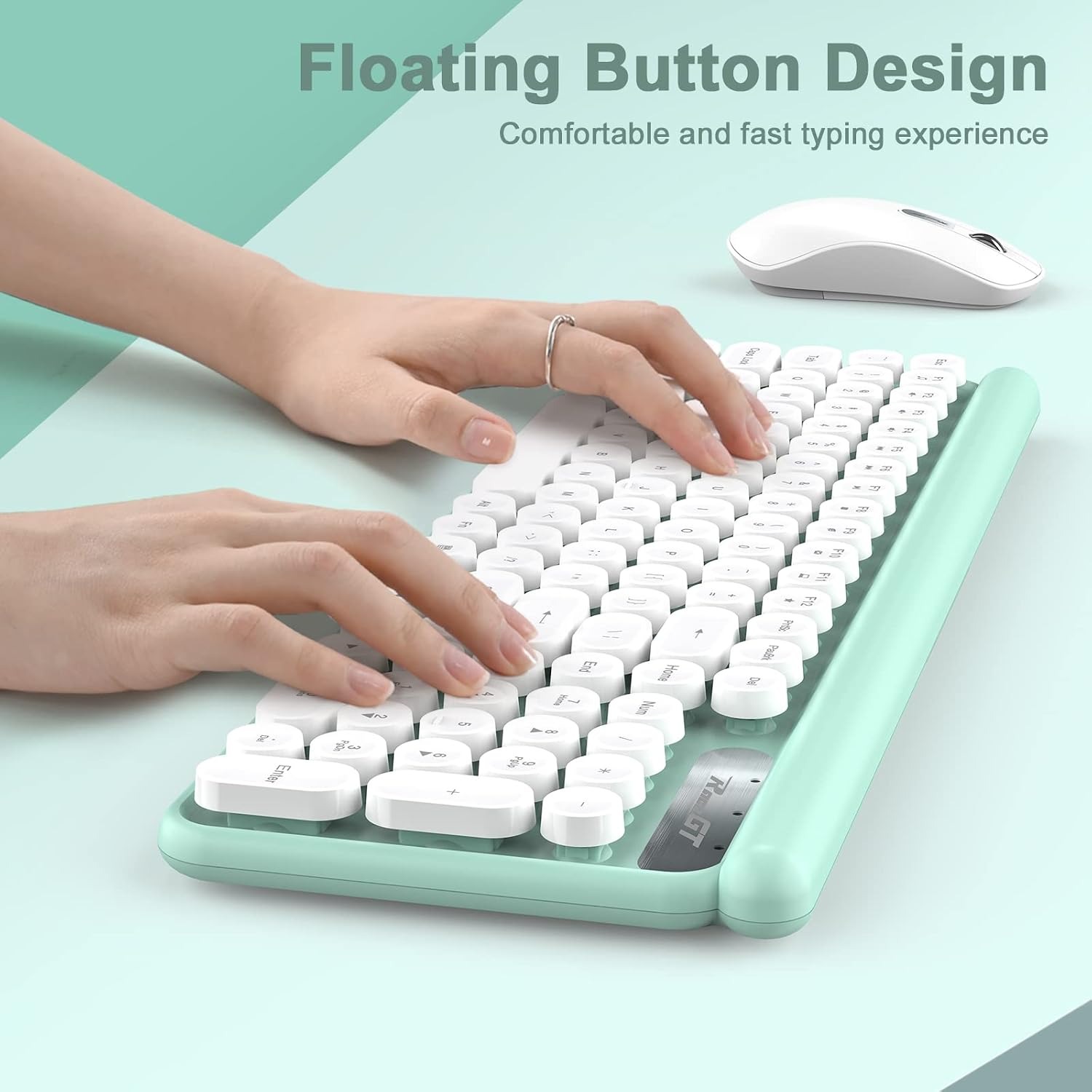
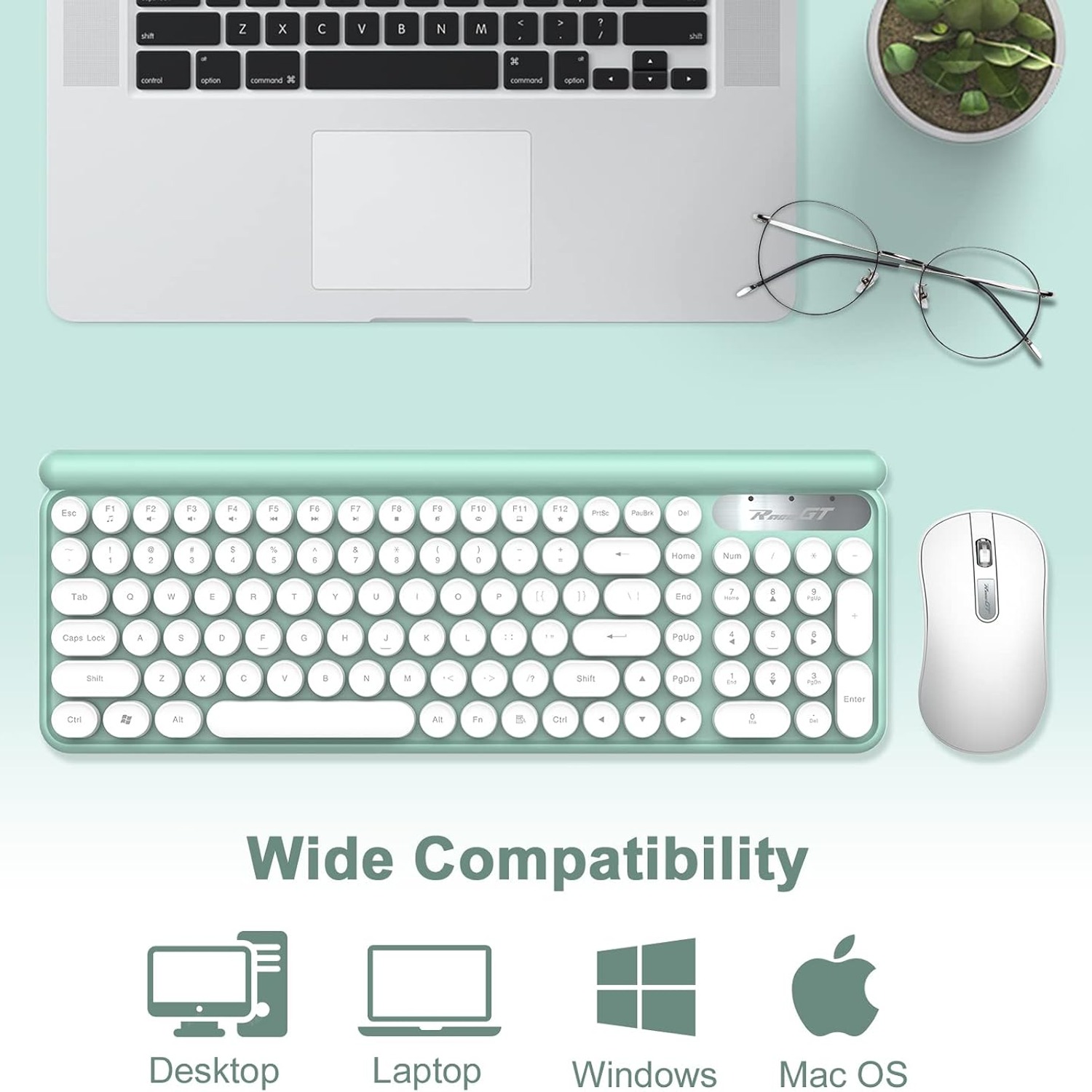
The keyboard has 102 keys in a QWERTY layout. That is a full size board. You keep the function row across the top, the arrow cluster, and the number pad. If you work with figures or play with shortcuts, a number pad is one of those things you only notice when it is gone.
The mouse that comes with it is a plain optical mouse with quiet buttons, shaped for the right hand. It is not a gaming mouse with fifteen thumb buttons. It moves the pointer, it clicks, it scrolls, and it does so without making noise.
How the wireless connection works
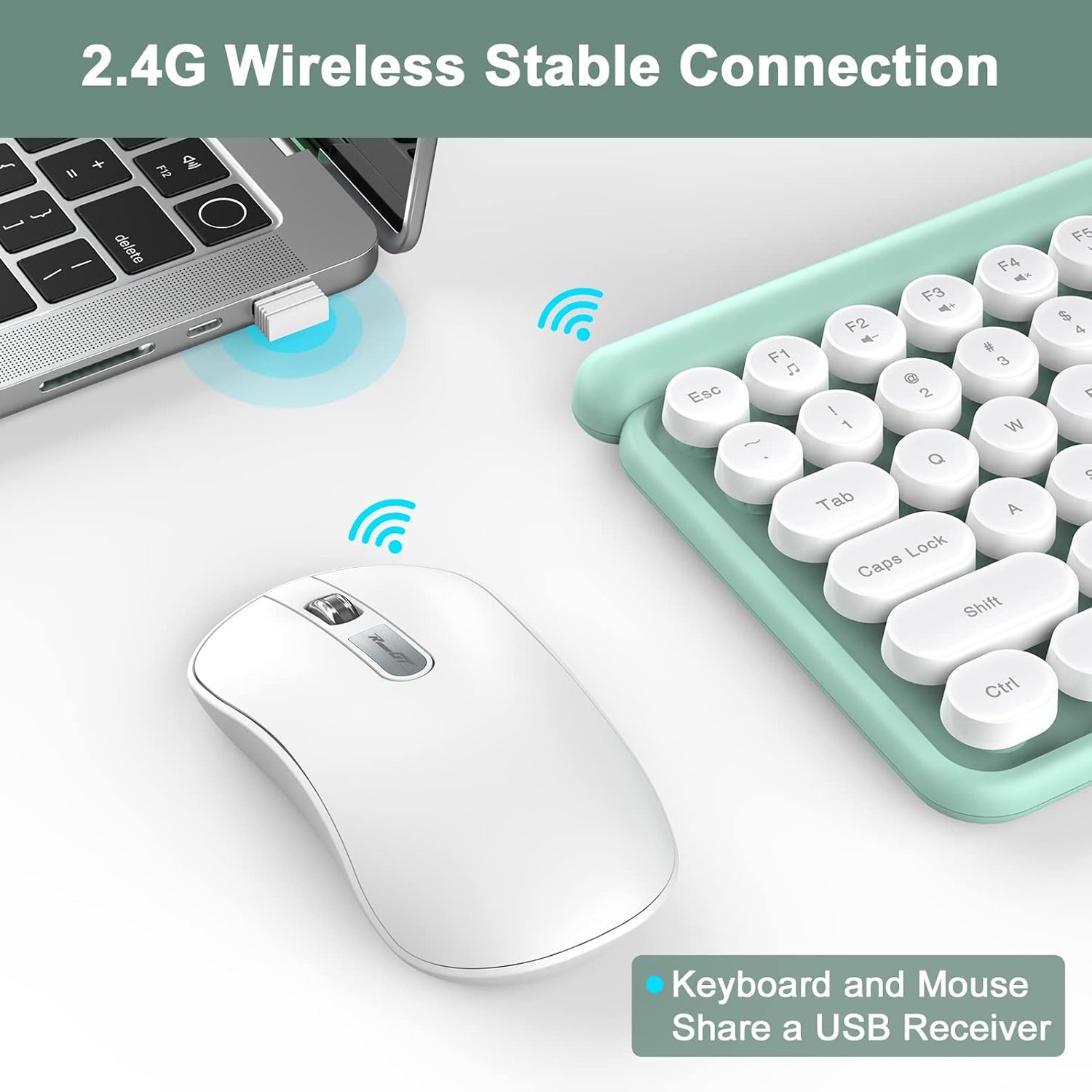
Both pieces run on a 2.4G wireless link, and here is the part worth paying attention to. They share one USB receiver. Plug a single small dongle into one port, and both the keyboard and the mouse connect through it.
If you use a laptop, you know why that matters. Ports are scarce. Every dongle you add is one less port for a drive, a charger or a monitor cable. A shared receiver halves that cost.
The stated range is up to 10 metres. In the real world, that figure assumes a fairly clear path. Thick walls, a metal desk frame or a crowded shelf of other wireless gear can cut it down. For a normal desk setup, where the receiver sits less than a metre from your hands, range is never the issue. For a living room where the computer feeds a television across the room, 10 metres gives you plenty of margin.
Batteries and the sleep settings
The set is battery powered, and batteries are not included. Buy some before the parcel arrives so you are not stuck waiting.
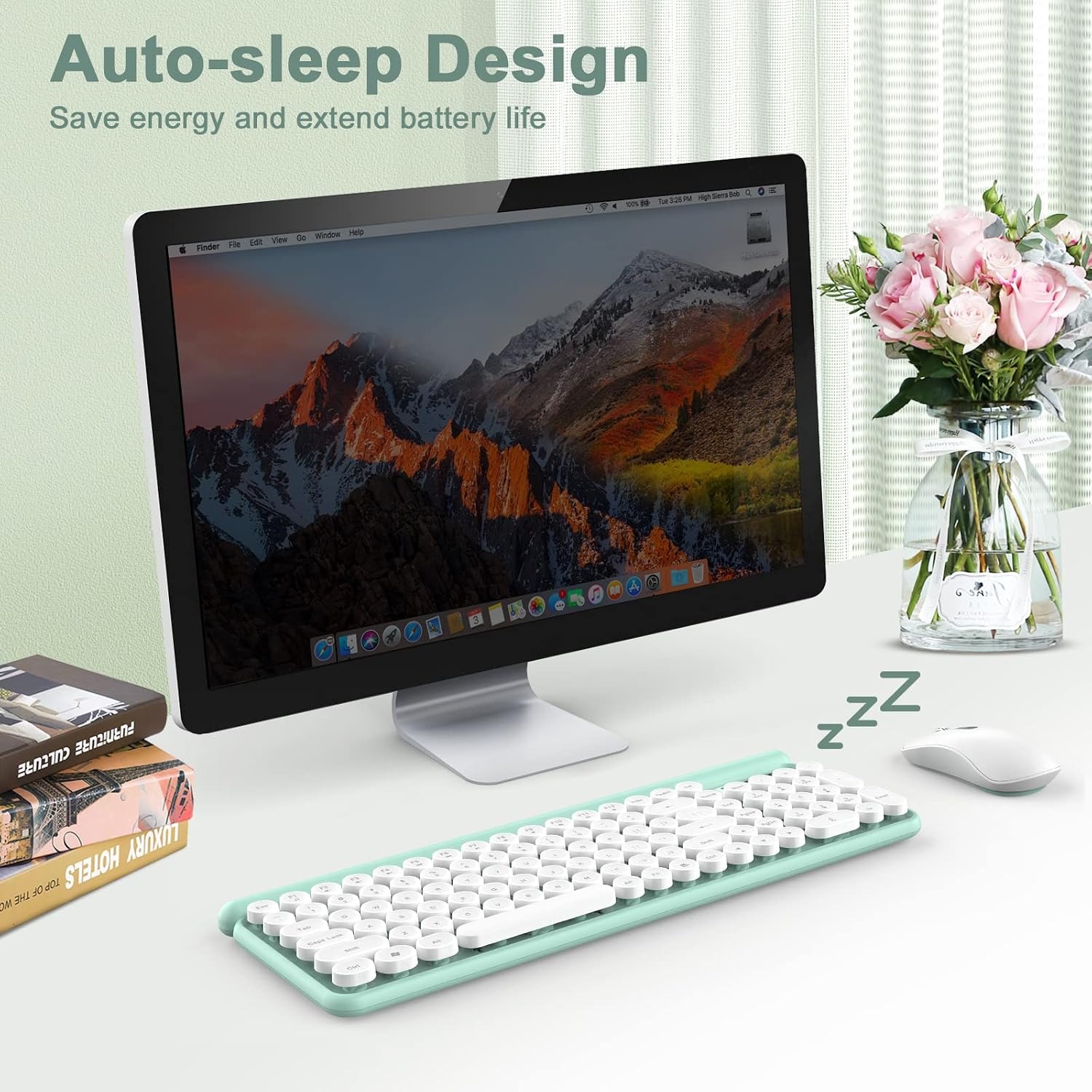
Both pieces manage their own power. The keyboard goes to sleep after 8 minutes with no typing. The mouse drops into power saving after 5 minutes of no movement. Press a key or nudge the mouse and they wake back up. There is a short pause while they reconnect, which catches people out the first couple of times. After a day you stop noticing it.
Those timers exist for a reason. A wireless device that stays fully awake all day chews through batteries fast. Letting it nap while you make a coffee means fewer battery swaps over the year. The maker doesn't state an exact battery life, and anyone who tells you a hard figure is guessing, since it depends on the batteries you use and how many hours you type.
Who this suits
This set is a good fit if you want a full size wireless keyboard that looks interesting and types quietly. Writers, students, people working from a kitchen table, anyone setting up a home office that they actually want to look at. It also makes an easy gift, because the recipient does not need any technical knowledge to set it up.
It is less of a fit for a few groups. Competitive gamers want hardware built for that job, with faster response and keys designed for rapid repeated presses. Left-handed users should know the mouse is shaped for the right hand. And anyone who needs a Bluetooth connection, because their laptop has no usable USB port, should look elsewhere, since this set relies on the receiver.
People who want quiet above all else are well served here. The keyboard is described as ultra-silent and the mouse uses a mute button design. If you share an office, record audio, or type while a baby sleeps in the next room, that combination is worth more than any styling.
How to choose between retro keyboards
If you are comparing a few options, a handful of things decide it.
Start with size. Full size with a number pad, like this one, or compact. Compact boards free up desk space and put the mouse closer to your hand, which some people find easier on the shoulder. Full size keeps every key you might want. Think about whether you ever type long strings of numbers.
Then look at connection type. Wired boards never need batteries and never drop out. Wireless boards clean up the desk and let you move. Within wireless, a 2.4G receiver like this one is usually faster to set up than Bluetooth and does not need pairing menus, but it does need a spare USB port.
Noise is next. Retro styling and mechanical clack often come together, and some people buy a typewriter style board precisely because they want that sound. This one goes the other way. It gives the look without the volume. Decide which camp you are in before you order, because it is the thing people most often wish they had checked.
Finally, consider the spill situation. The maker describes this keyboard as splash-proof. That is useful on a desk with a mug on it. Splash-proof is not waterproof, so a knocked-over glass is still bad news, but a few drops will not end the keyboard.
Looking after it
Care is simple and mostly about dust. Round keycaps have gaps around them where crumbs settle. Every few weeks, switch the keyboard off, turn it over and tap gently, or use a puff of air to blow the gaps clear.
For the surfaces, a soft cloth very lightly dampened with water does the job. Wring it out properly so nothing drips between the keys, wipe, then dry. Skip the harsh cleaners and never spray anything directly onto the board.
The mouse needs even less. Wipe the bottom pads occasionally, because dust collecting around the sensor makes the pointer stutter. If the mouse starts skipping on a glossy desk, put a simple mouse pad under it and the problem usually goes away.
If you are packing the set away for a while, take the batteries out. Batteries left in an unused device can leak and ruin the contacts. Put the USB receiver somewhere you will remember, ideally the storage slot if the mouse has one, because a receiver that goes missing makes the whole set useless until you find it.
The short version
This is a full size, 102-key wireless keyboard with round typewriter-style keys, paired with a quiet optical mouse. They share one USB receiver, run over 2.4G wireless up to 10 metres, and both sleep automatically to save battery. The keyboard deck is splash-proof and the key action is quiet. Colour is cyan, the set weighs 0.71 kg, and batteries are not supplied.
Buy it if you want your desk to look like something, keep every key you already use, and prefer a soft typing sound. Skip it if you need Bluetooth, a left-handed mouse, or gaming-grade hardware.